Tasks and schedules
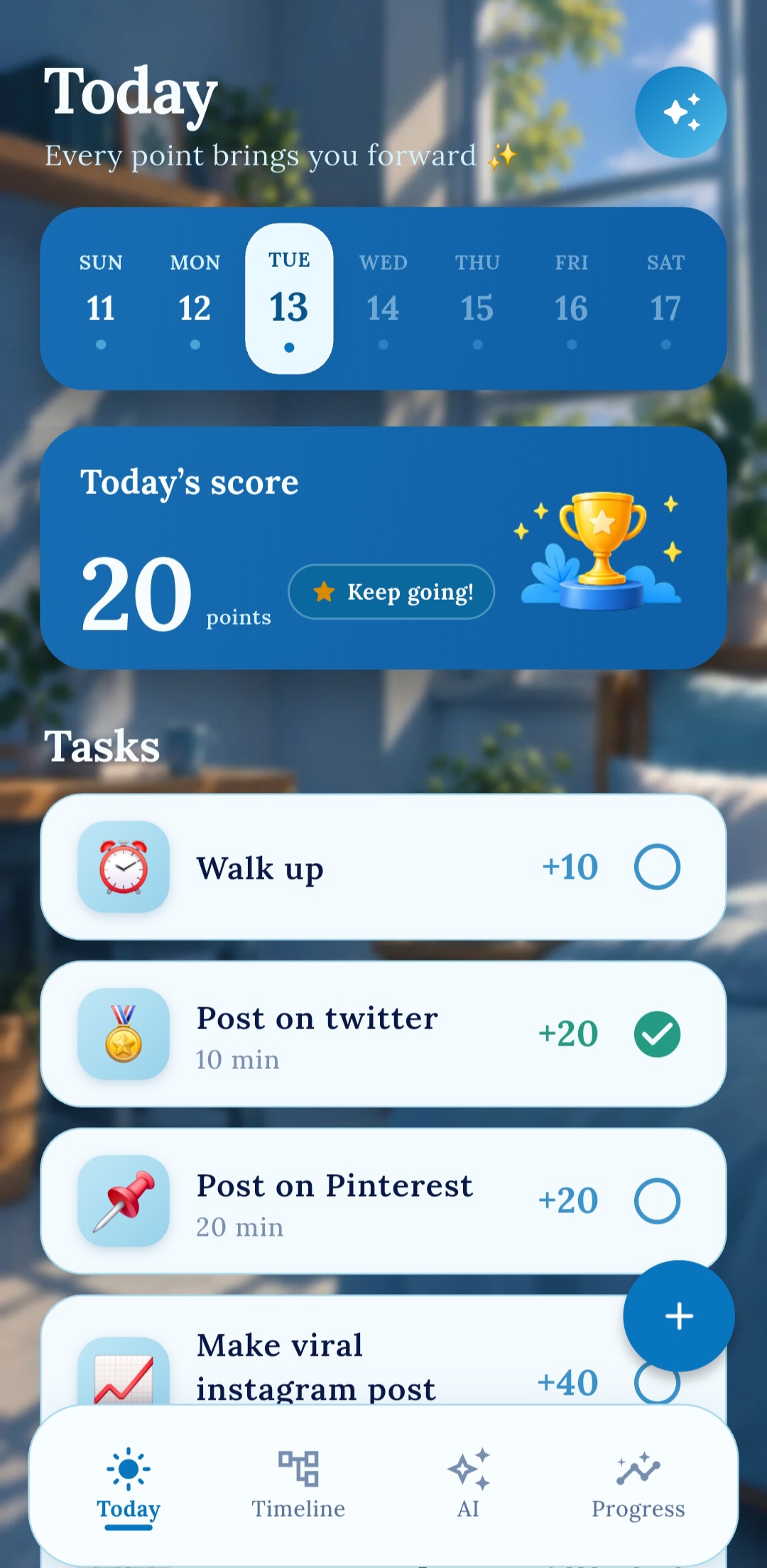
Create one-time or repeating tasks with points, times, reminders, and clear visual labels.
A calmer way to organize your day
In Order brings tasks, schedules, reminders, focus timers, progress, and optional AI assistance into one focused daily workflow.
Core features
In Order is designed around straightforward planning and visible progress, without requiring an account for ordinary local use.
Create one-time or repeating tasks with points, times, reminders, and clear visual labels.
See the day in order, start task timers, and receive timer or task notifications.
Track completed work, daily scores, history, and progress analytics over time.
Use the standard planning features without signing in. Core information is stored on the device.
Sign in with Google to synchronize supported tasks, progress, and preferences through Supabase.
Select an image or video for the timer. These custom media files remain in private app storage on the device.
AI with user control
The AI Assistant can explain progress and prepare task-related suggestions. AI-generated notification voices can turn chosen reminder text into audio.
Type or use optional microphone voice input to ask productivity questions and receive guidance based on relevant account and progress information.
Task changes are presented as proposals. They are not applied until the user reviews and confirms them.
Signed-in users can request a generated notification voice using selected text, voice, and tone.
AI can make mistakes. Review AI information and proposed task changes before relying on or confirming them. In Order is not a medical, legal, financial, or emergency service.
Privacy and choice
Google Sign-In is optional for ordinary local use. When enabled, cloud sync and AI features process only the information needed to provide the requested functionality.